Dissociate symbols and wires
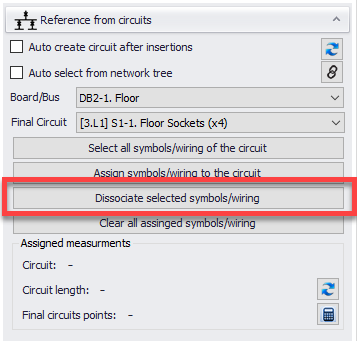
If the user decides to remove link between symbols and circuit they are assigned to, then, aforementioned symbols must be selected first following a click on Dissociate selected symbols/wiring button.
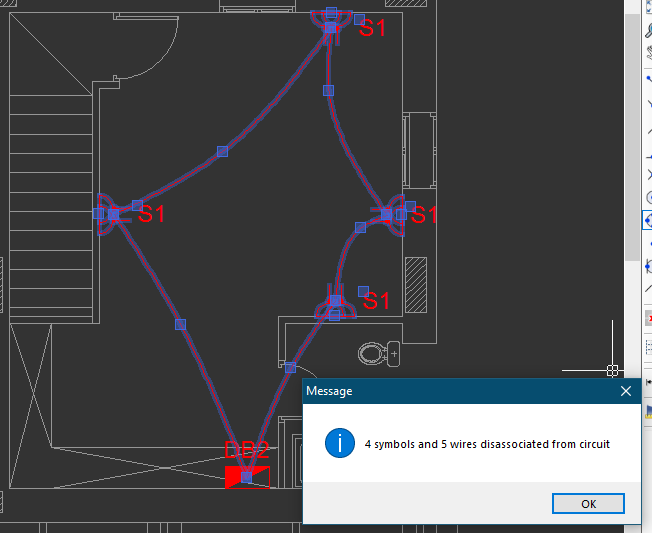
Above method works as long as all the symbols are placed on the same layer. However, if there are symbols placed on different layers which are belong to the same circuit than Clear all assigned symbols/wiring button must be used to dissociate all the symbols from a circuit.
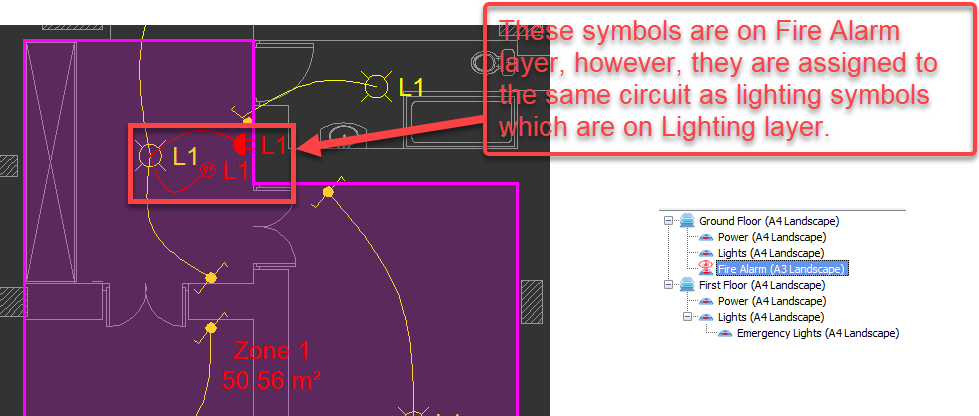
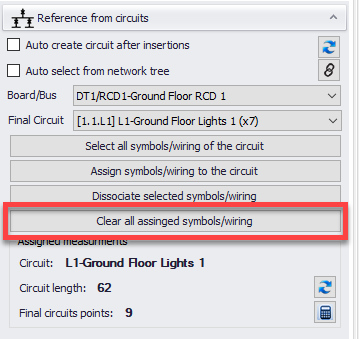
In order to dissociate all symbols from circuit L1, user must select a symbol which belongs to this circuit, no matter on which layer, and then use Clear all assigned symbols/wiring button.
It must be noted, even if a symbol belonging to a circuit is dissociated, it will still retain its label as is it is assigned to the circuit it was dissociated from, and it must be modified manually.