Select Similar and Select Similar with options...
It is possible to expand a selection to cover the whole project or layer by using these two options.
- Select similar will directly select the similar symbols assigned to the circuits on the active layer. The selection will also include other layers if there are any symbols belonging to the circuits on the current layer.
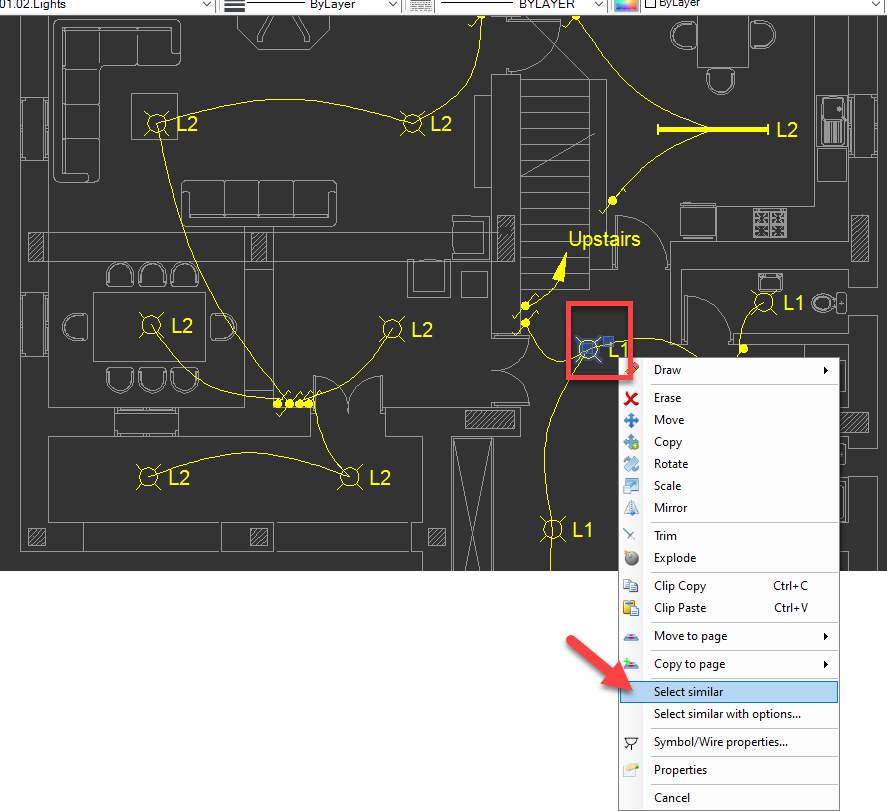
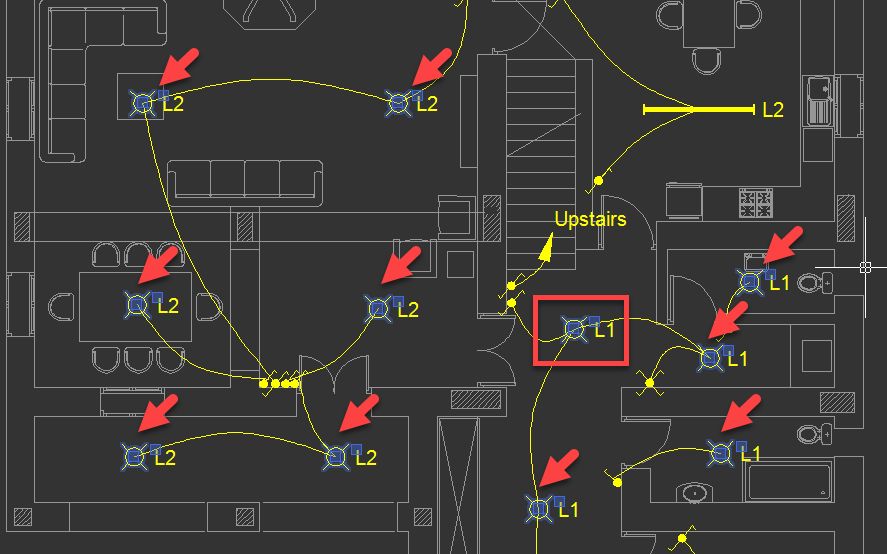
- Select similar with options... on the other hand will present various preferences to the user as shown below:
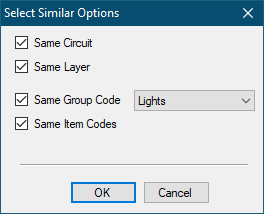
These options can be selected simultaneously to tailor the selection. For example:
- Same circuit will select symbols assigned to the same circuit only. Selecting only this options will not limit the selection with the active layer.
- Same Layer will select symbols on the current layer only. This option will ignore the circuit assignation.
- Selecting both same circuit and same layer options will select symbols which are assigned to the same circuit and also limit the selection with the current layer.
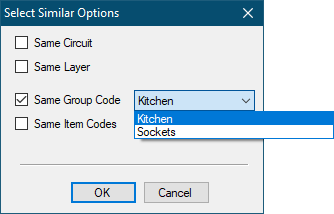
If Same Group Code option is selected by the related tick box, then, a drop down list will be displayed on the right hand side of the option. This will list the group codes associated with the selected item/wire, so, the user may select appropriate code to be used by select similar with options... feature.